An IPTV encoder sounds technical, but the idea behind it is simple: it takes a normal video signal and turns it into a stream that can travel over a computer network. This tivanotv guide explains how an encoder works in plain language, step by step, so anyone in the family can follow it.
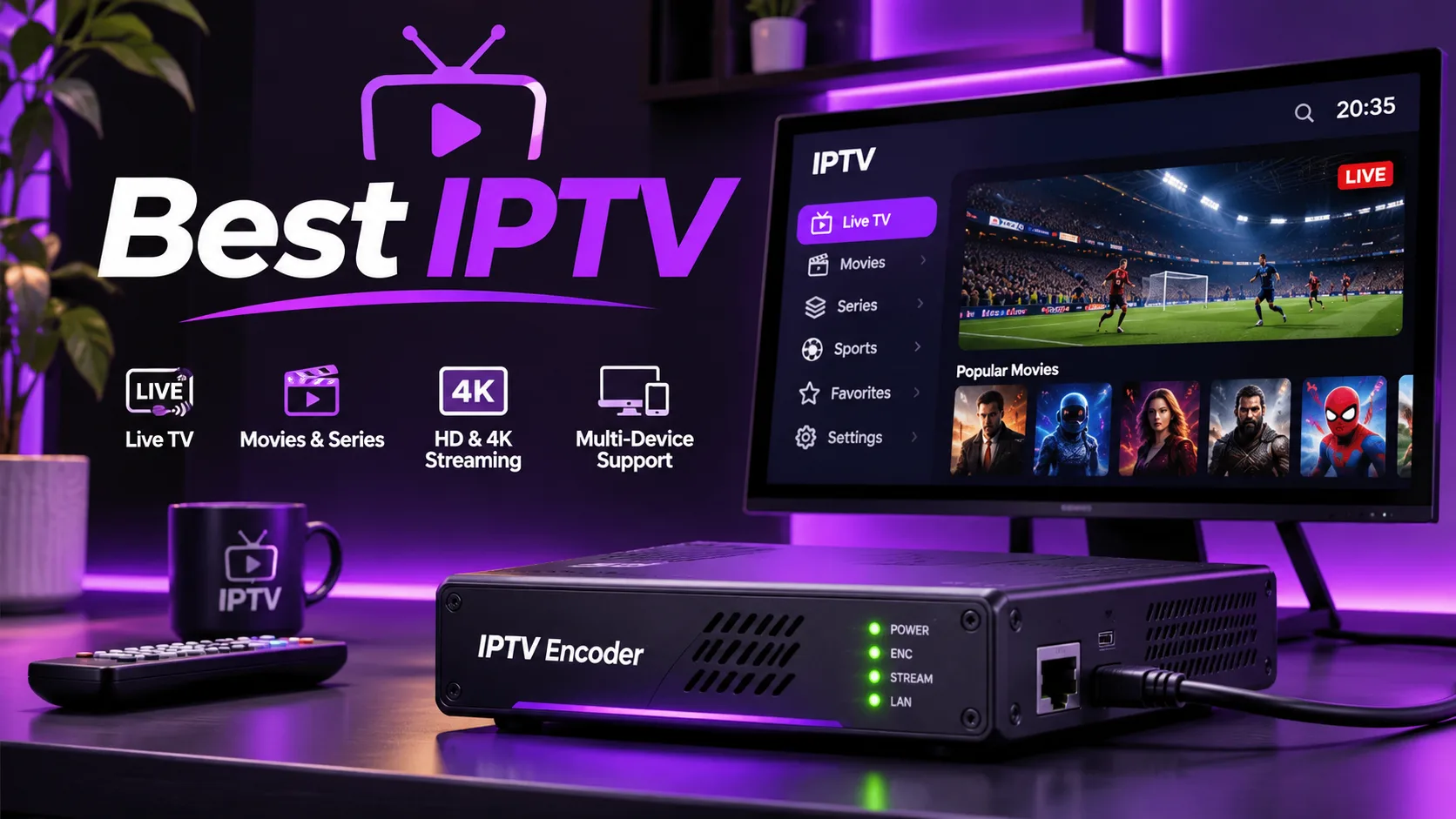
The Short Version
An encoder is a translator. A camera, satellite receiver or games console speaks “HDMI” or “SDI”. A network speaks “IP”. The encoder listens to the video signal, shrinks it and repackages it so TVs, computers and phones on the network can play it.
What Happens Inside, Step by Step
- Input: the encoder receives video and audio through HDMI, SDI or a tuner.
- Capture: it reads every frame of the picture and the matching sound.
- Compression: a codec such as H.264 or H.265 removes repeated detail so the file becomes far smaller.
- Packaging: the compressed video is wrapped into a container such as MPEG-TS.
- Streaming: it is sent out using a protocol like UDP multicast, RTMP, SRT or HLS.
- Network delivery: switches and routers carry the stream to each screen that asks for it.
- Playback: a set-top box, smart TV app or media player decodes it back into a picture.
Common Protocols Compared
| Protocol | Best for | Delay |
|---|---|---|
| UDP multicast | Many TVs in one building | Very low |
| RTMP | Sending to streaming platforms | Low |
| SRT | Reliable delivery over the internet | Low |
| HLS | Phones, browsers and large audiences | Higher |
Settings That Change the Result
- Resolution: 1080p for most uses, 4K when the source and network allow it.
- Bitrate: about 4 to 8 Mbps for HD with H.264; higher gives a sharper picture but uses more bandwidth.
- Codec: H.265 gives the same quality at roughly half the bitrate of H.264, but needs newer players.
- Frame rate: 50 or 60 fps for sport, 25 or 30 fps for talk and presentations.
Hardware or Software?
Hardware encoders are small boxes that run all day without a computer, ideal for hotels, bars and offices. Software encoders such as OBS run on a PC and suit live streamers and small events. Single-channel units handle one source; multi-channel units handle several at once for larger buildings.
Where Encoders Are Used
- Hotels sending TV channels to every room
- Pubs and sports bars showing the same match on many screens
- Schools, churches and offices streaming events and presentations
- Homes sharing a satellite box or camera feed across rooms
Common Problems and Their Causes
- Blocky picture: bitrate too low for the amount of motion.
- Stuttering: network too busy or Wi-Fi too weak.
- Sound out of sync: mismatched frame rate or audio settings.
- No picture on some TVs: multicast or IGMP not set up on the network switch.
A Note on Legal Use
Encoders are legal tools, but redistributing paid channels requires the right licences. Always check the rights for what you share, especially in commercial spaces.
Frequently Asked Questions
Do I need an encoder to watch IPTV at home?
No. A home service like tivanotv already streams channels over the internet; you only need a compatible device and player app.
Can an encoder work over Wi-Fi?
It can, but a wired connection is far more reliable for steady streams.
How many channels can one encoder handle?
That depends on the model: one for single-channel units, up to dozens for multi-channel systems.
Final Thoughts
An IPTV encoder captures, compresses, packages and sends video so it can be watched anywhere on a network. Once you see it as a translator, the rest makes sense. If you simply want live TV, sport and films for the whole household without any equipment, compare the tivanotv plans or browse the tivanotv blog.